
Folio3D for WordPress — flipbooks without code.
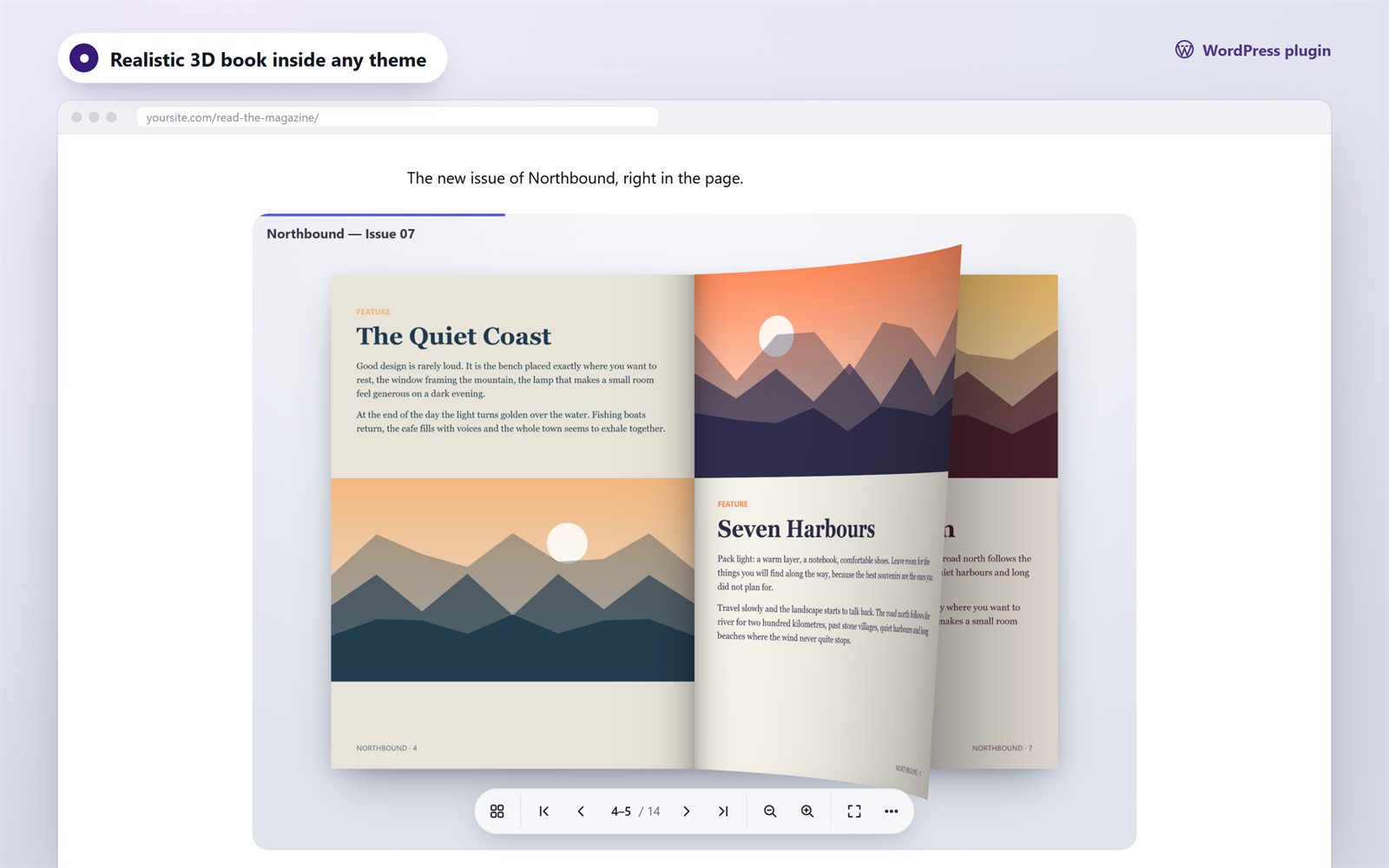
Upload a PDF or images, publish, and add the book to any page with the Flipbook block or a shortcode. Visitors get a realistic 3D page curl, search, contents and reader mode, on any device.
Three steps
If you can publish a post, you can publish a flipbook.
Upload
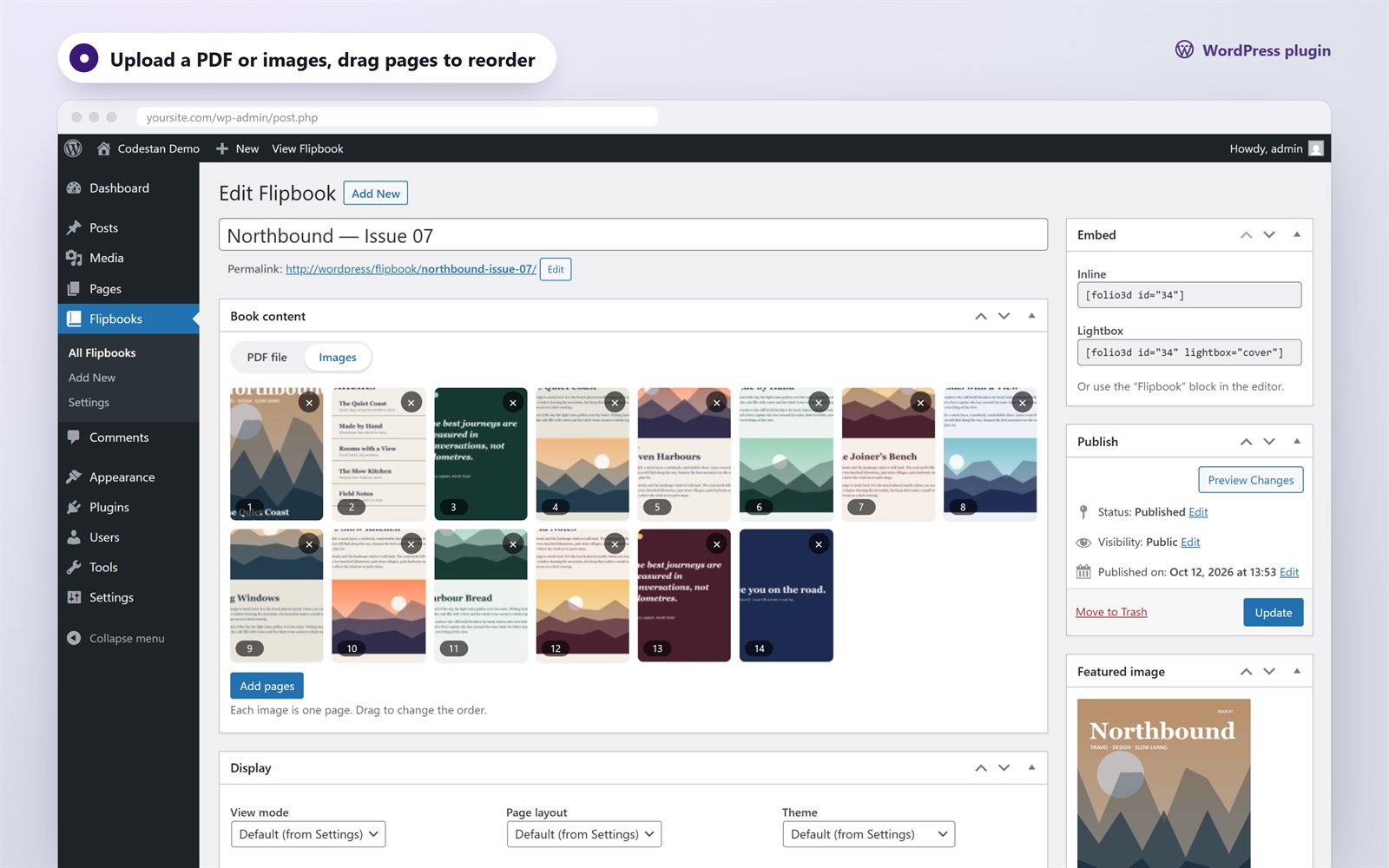
Flipbooks → Add New. Choose a PDF from the Media Library, or add images and drag them into order.
Publish
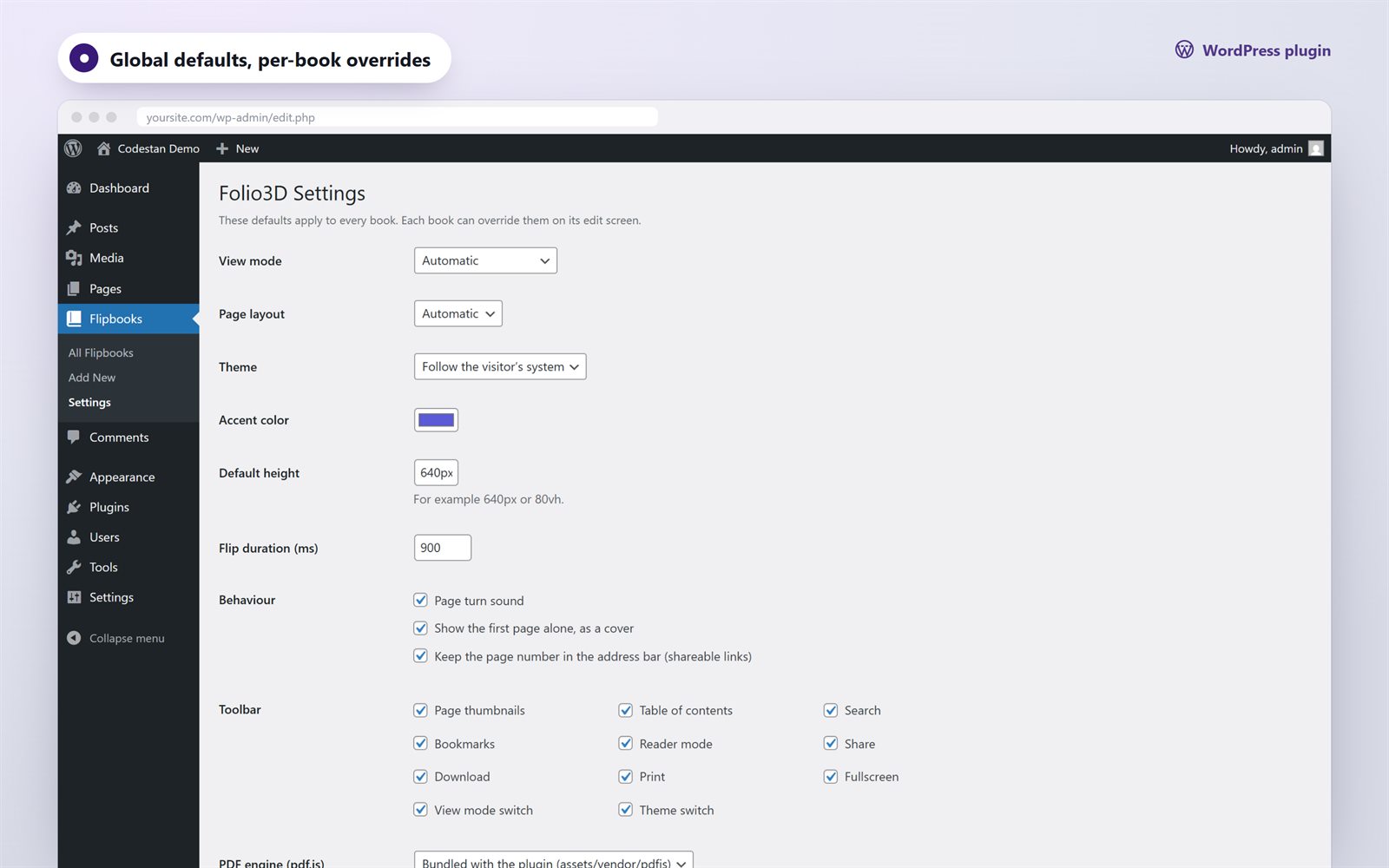
Optionally pick a cover, the theme, an accent color or a start page. The defaults look great as they are.
Insert
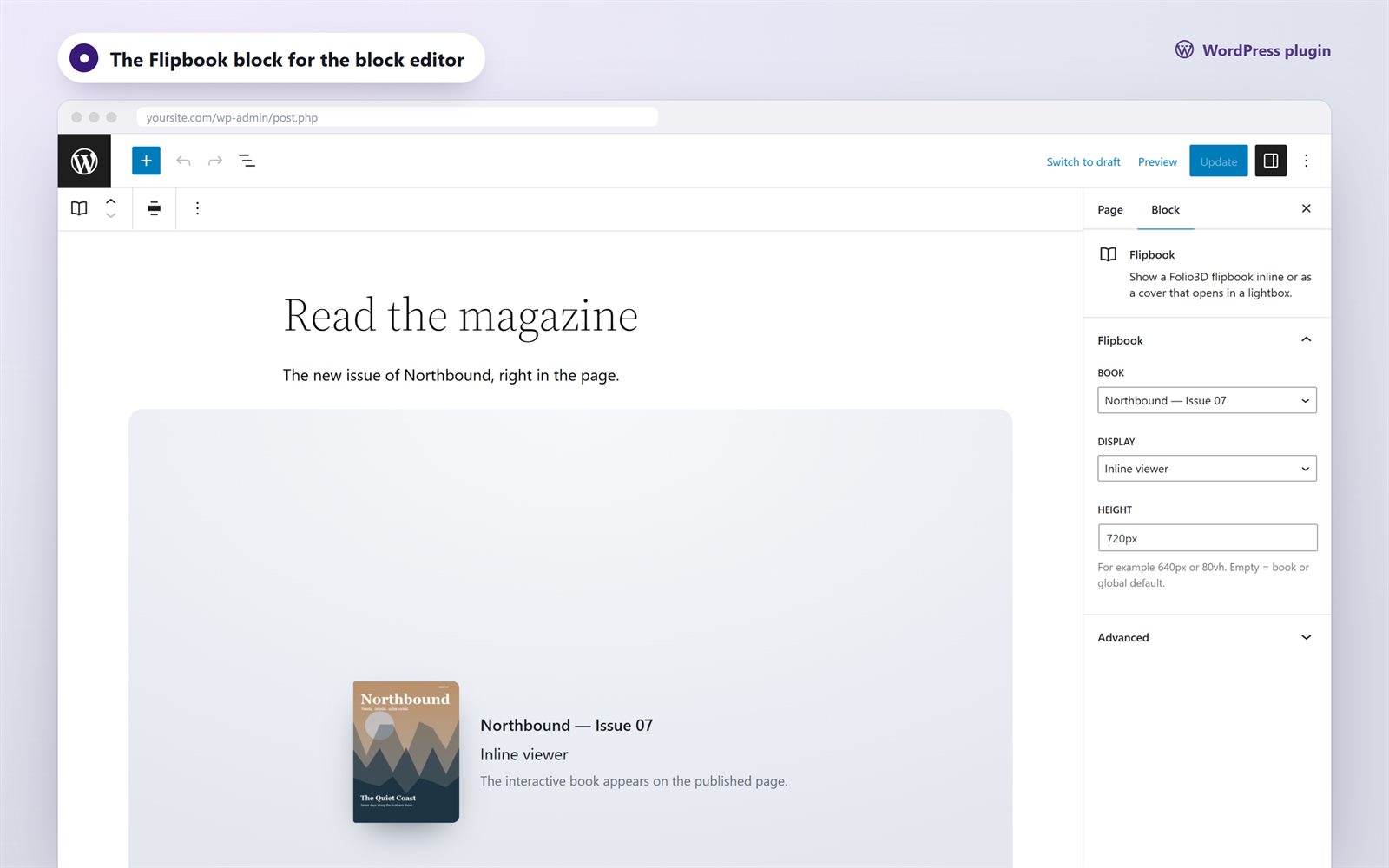
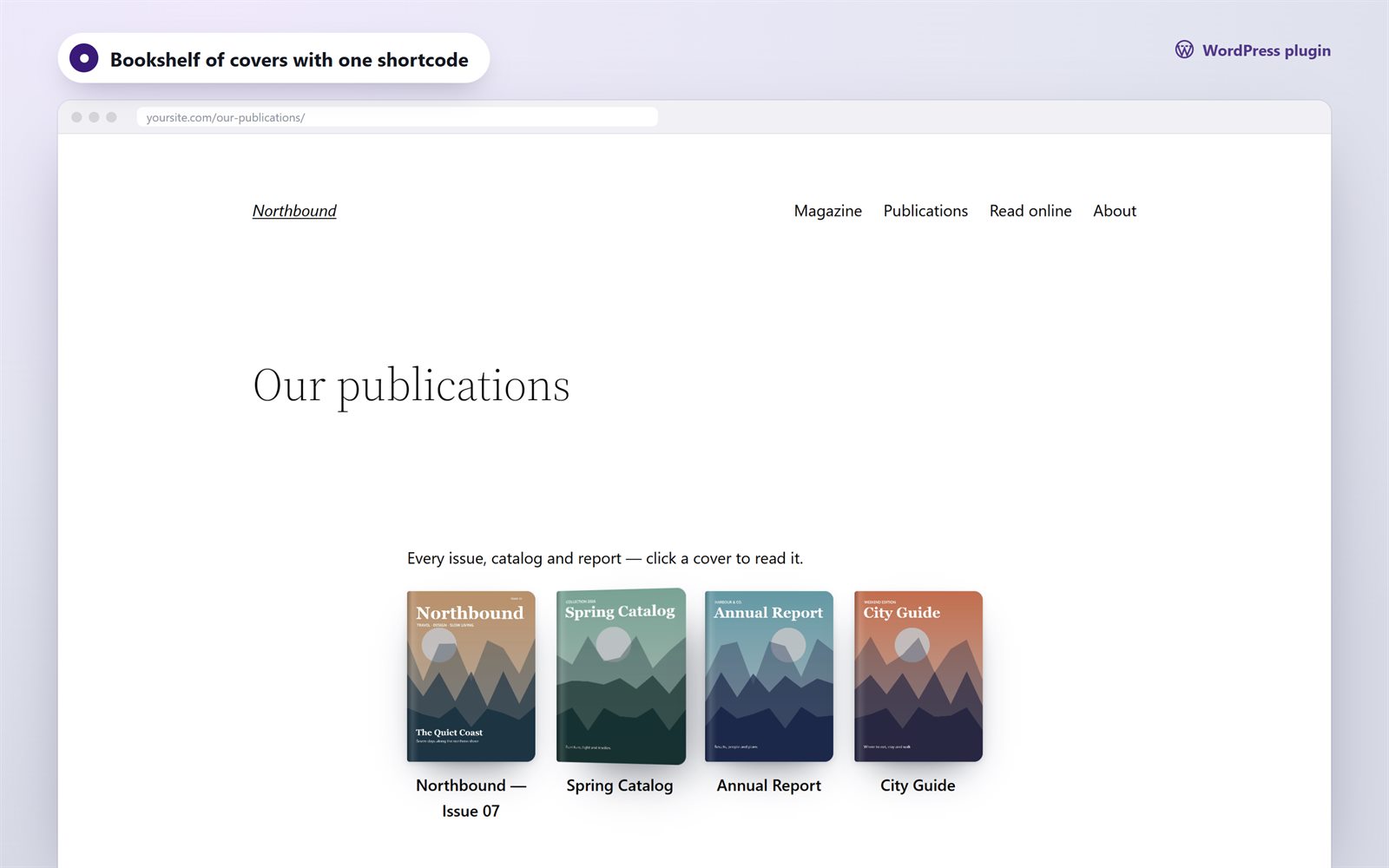
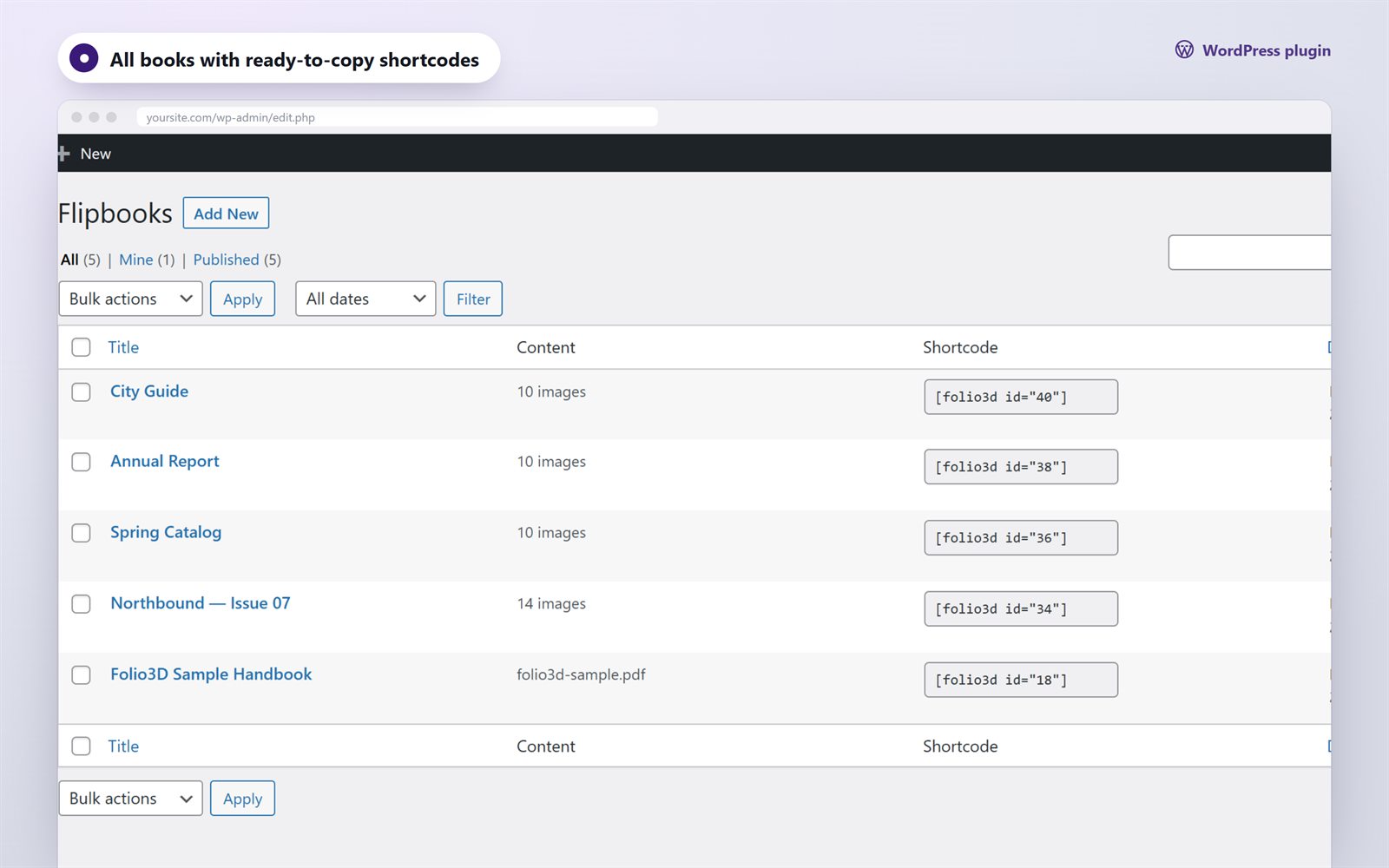
Add the Flipbook block or paste a shortcode: inline, cover, button, link or a whole bookshelf.
Screenshots
Everything your readers expect
Realistic page curl
A WebGL page curl with lighting. Readers can drag a corner, swipe or click to turn.
Search & contents
Full-text search with highlights, the PDF outline as contents, and clickable PDF links.
Reader mode
Page text in a comfortable column. Bookmarks, and an offer to continue where they left off.
Light & dark
Follows the visitor’s system theme, or force one, with your accent color.
Private & fast
pdf.js is bundled, so no CDN is used. Assets load only on pages with a book.
Translation-ready
The .pot template plus a full Russian translation are included.
Shortcodes
Work in the classic editor, widgets and page builders such as Elementor.
[folio3d id="12"]
[folio3d id="12" height="80vh" page="3"]
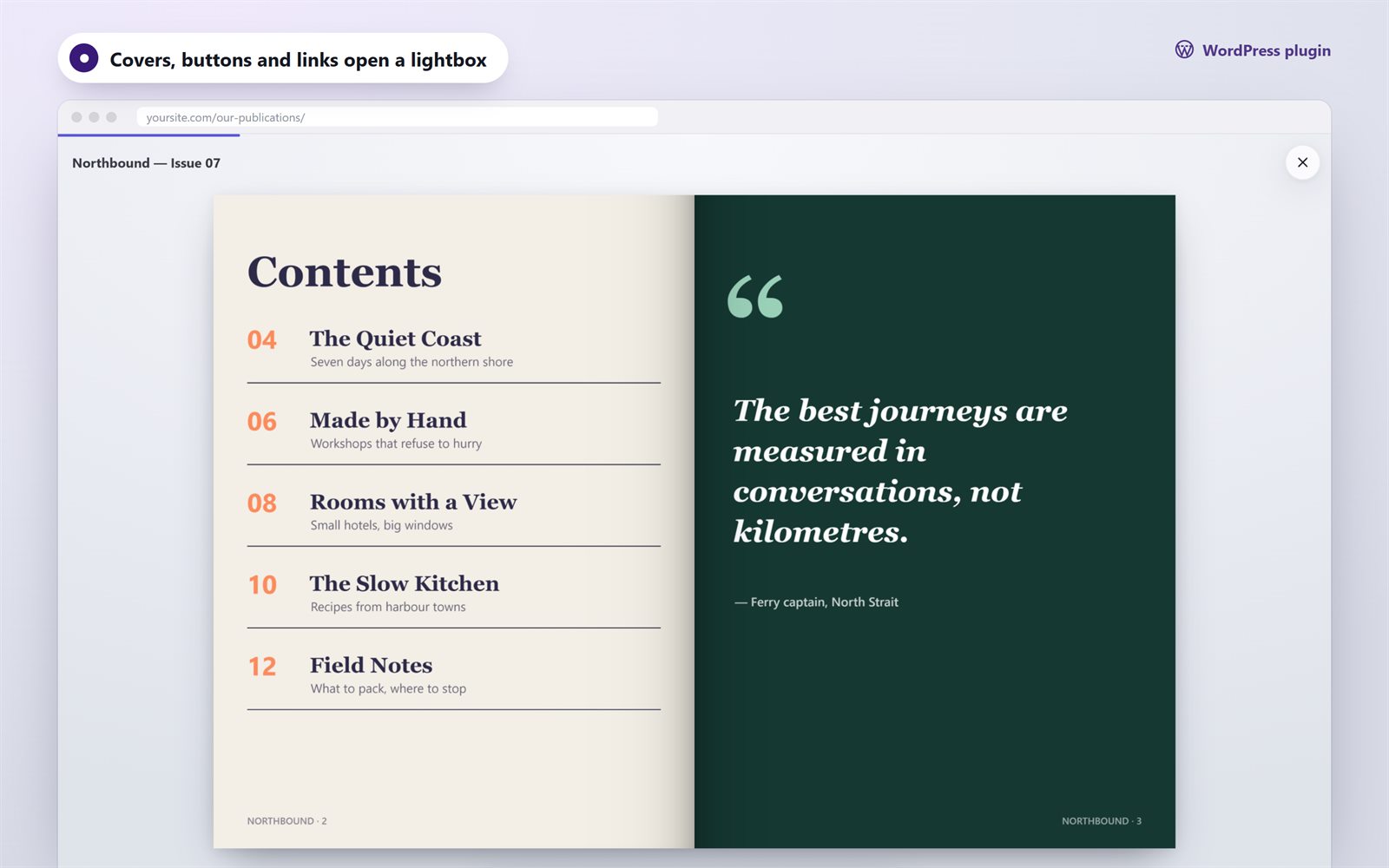
[folio3d id="12" lightbox="cover"]
[folio3d id="12" lightbox="button" text="Read"]
[folio3d_shelf ids="12,15,18" columns="3"]
Specs
| WordPress | 6.2 or newer |
|---|---|
| PHP | 8.0 or newer |
| Content | PDF, JPG, PNG, WebP from the Media Library |
| Editor | Flipbook block + shortcodes |
| Languages | English, Russian; translation-ready |
| Not on WordPress? | Folio3D JavaScript |